 IT Tutorial IT Tutorial | Oracle DBA | SQL Server, Goldengate, Exadata, Big Data, Data ScienceTutorial
I will explain How to Download and Install SQL*Loader for Oracle 12c in this article.
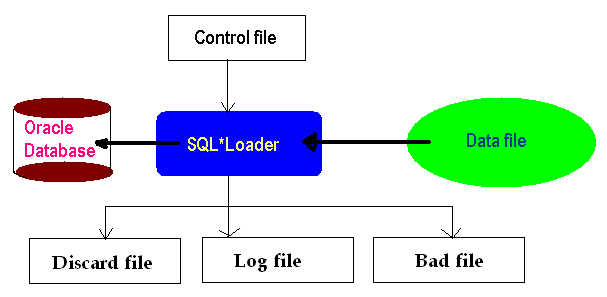
Download & Install SQL*Loader Oracle 12c
SQL*Loader is very powerful data parsing engine and loads data directly from external files into Oracle database tables. SQL*Loader is available with default Oracle database installation.
SQL*Loader Install
You should install SQL*Loader at the Client Side externally if you need it.
You should download Oracle Client on Support Oracle for installation of SQL*Loader.
SQL*Loader Download
Download the Oracle client from the following link.
https://www.oracle.com/database/technologies/oracle-database-software-downloads.html
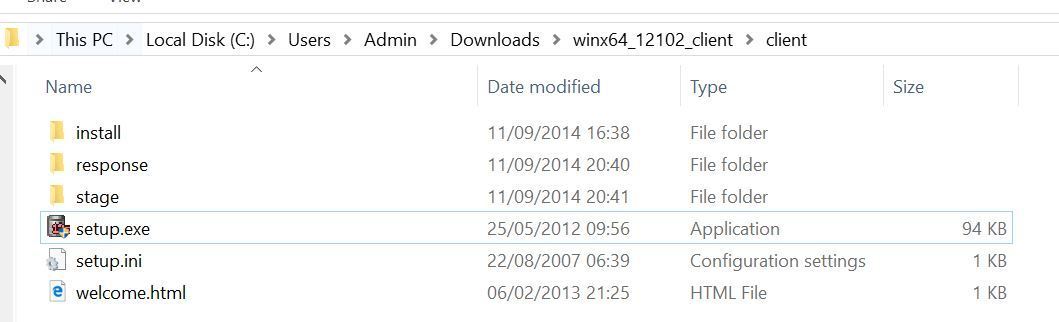
Oracle Client Installation files for Windows are like following.
Click setup.exe.
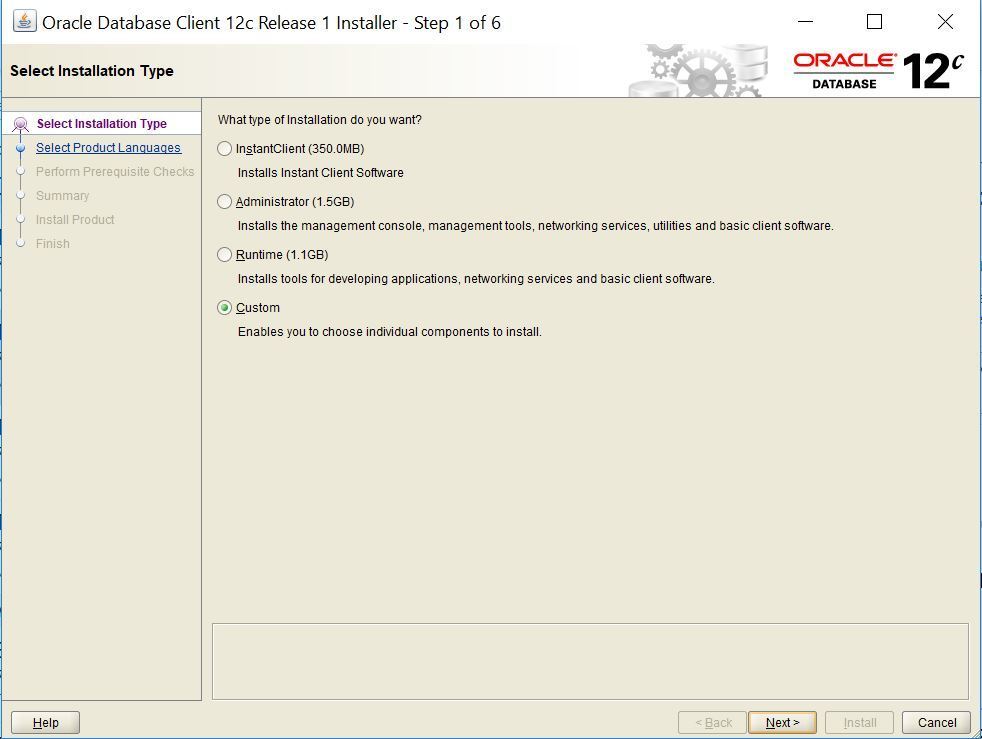
Choose Custom for SQL*Loader.
Select Languages.

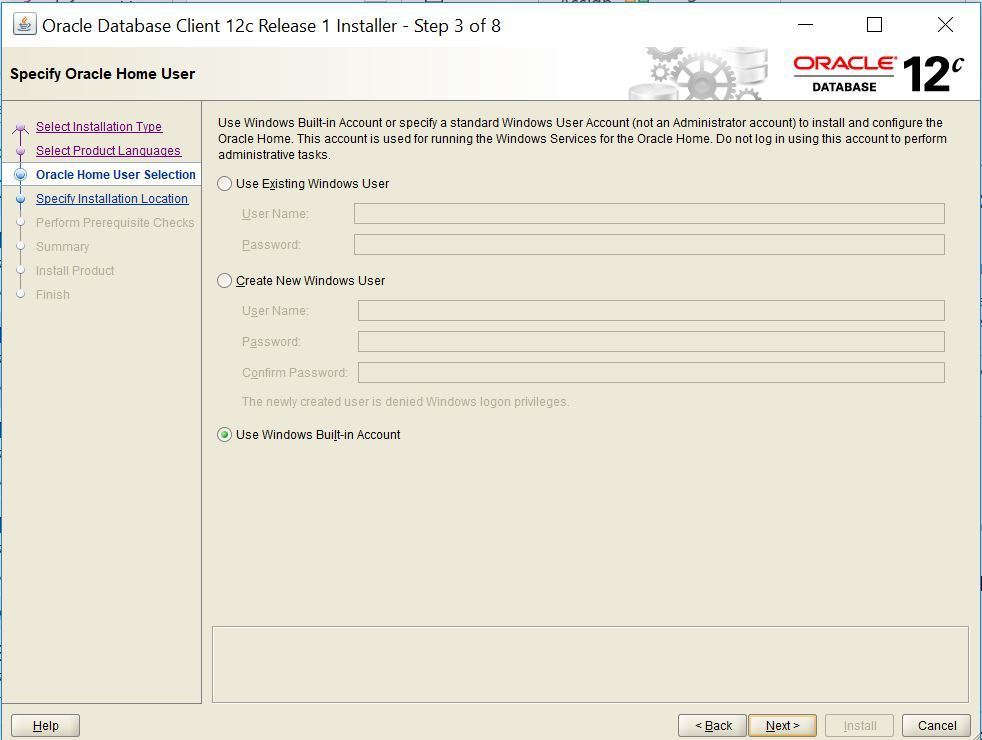
Specify Windows user for Installation. I have used Windows Built in Account.
Specify Oracle Base, Client and SQL*Loader Software Location

Select Oracle Database Utilities in this Step. SQL*Loader will be installed by selecting Oracle Database Utilities.

Click Install button.

SQL*Loader Installation is completed. You can use it.

Do you want to learn Oracle Database for Beginners, then Click and read the following articles.
Oracle Database Tutorials for Beginners ( Junior Oracle DBA )

Help. I need the installer. .
I don’t know where to download it
click the following link.
https://www.oracle.com/database/technologies/oracle-database-software-downloads.html